| assets | ||
| src | ||
| static | ||
| .env.example | ||
| .gitignore | ||
| .npmrc | ||
| .prettierignore | ||
| .prettierrc | ||
| eslint.config.js | ||
| justfile | ||
| package-lock.json | ||
| package.json | ||
| README.md | ||
| svelte.config.js | ||
| tsconfig.json | ||
| vite.config.ts | ||

Squalk
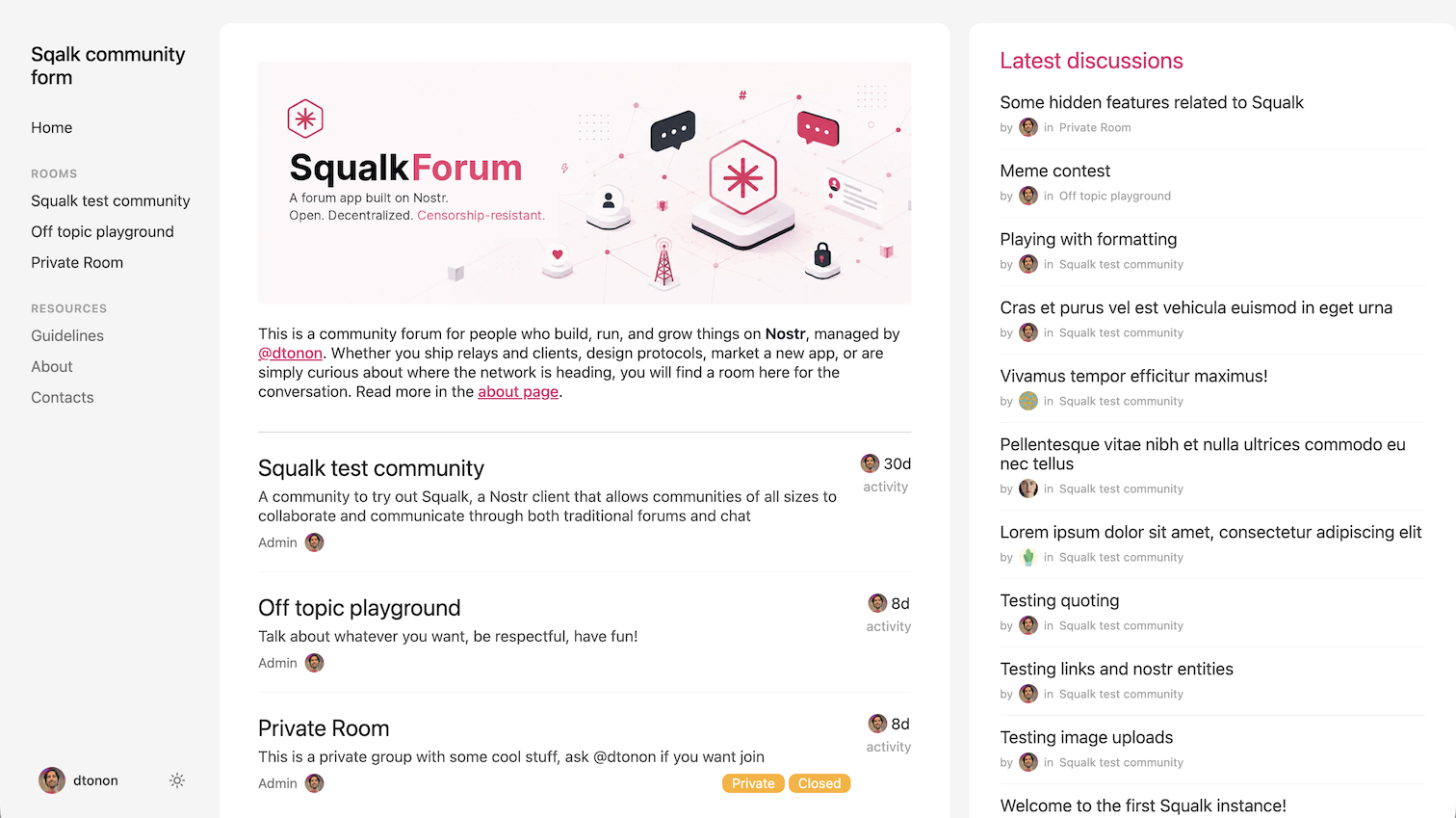
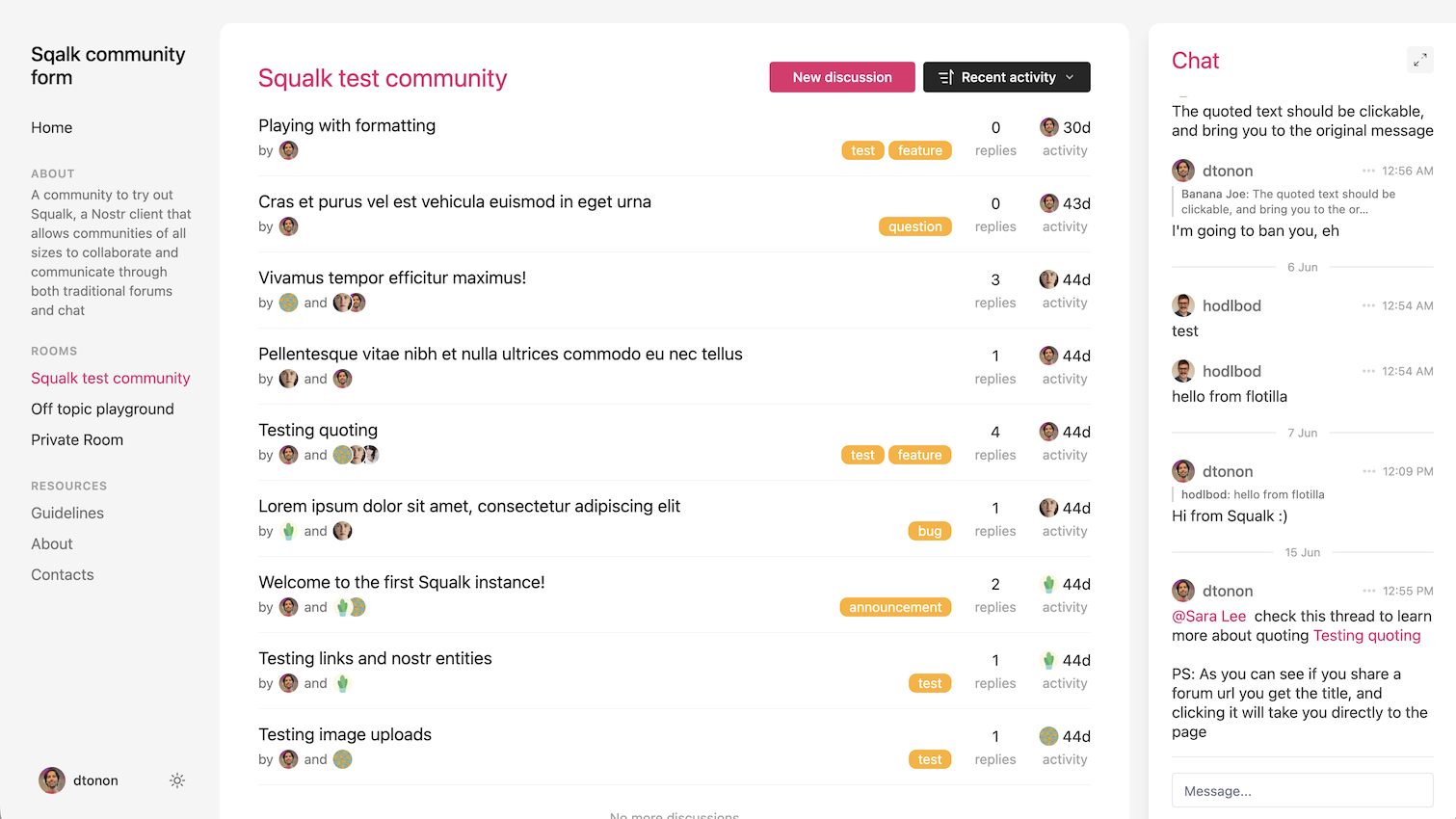
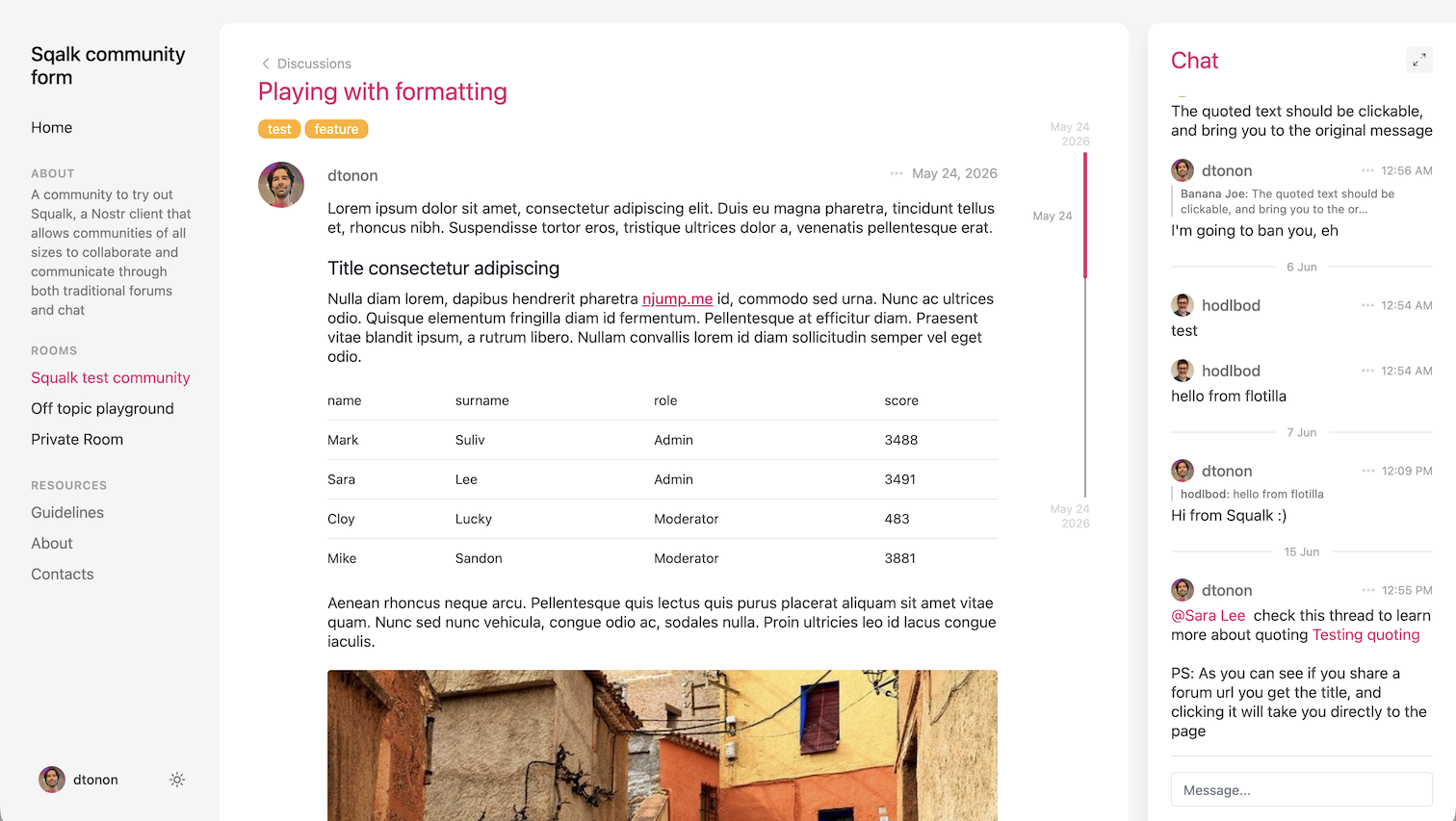
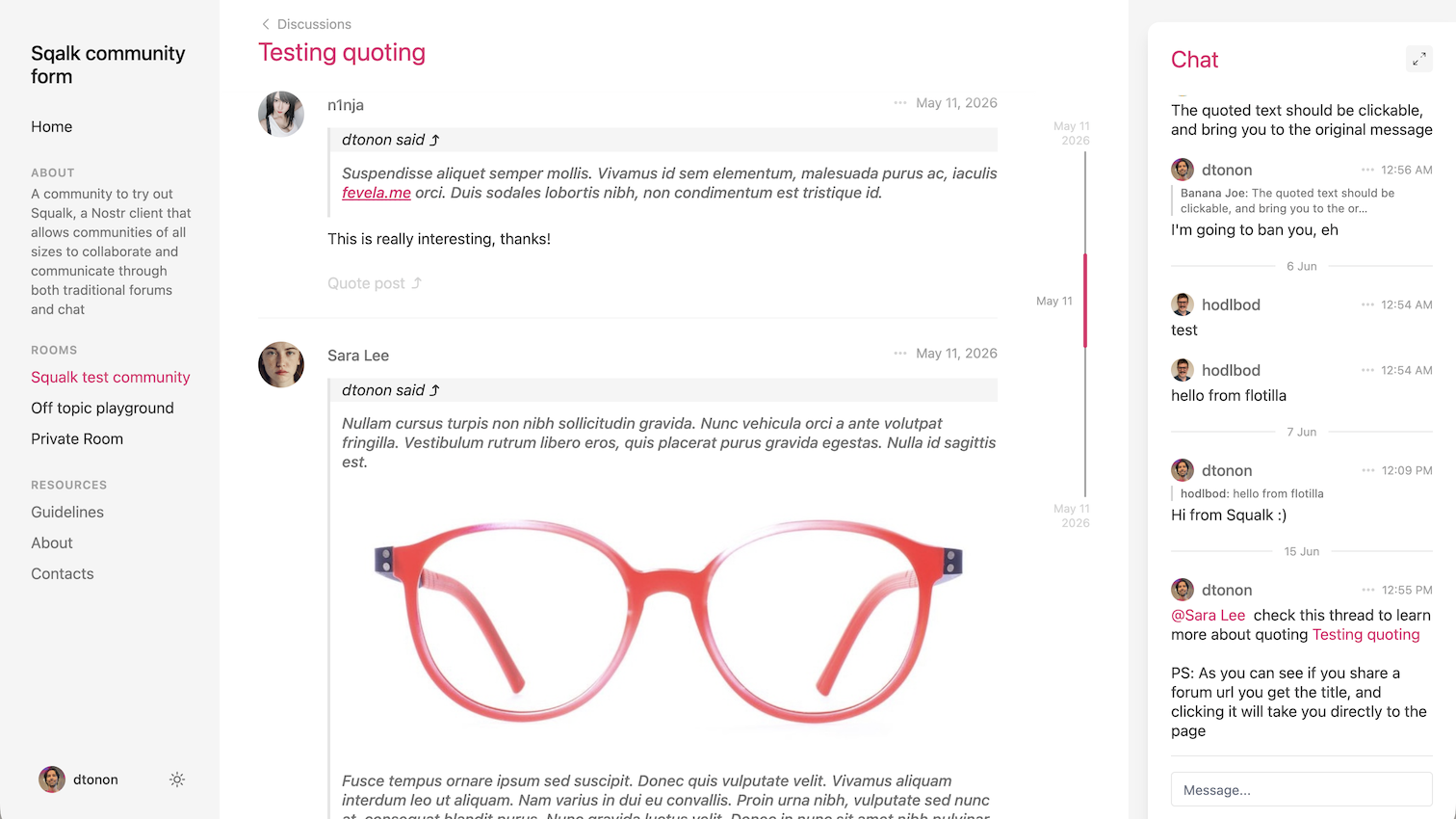
Squalk is a forum built on Nostr that permits to manage simple or large communities; in fact you can choose to setup it in "simple" or "full" mode. Simple mode expose a single forum, while in Full mode you can have as many forum as you like.
Each forum includes a chat feature in the right-hand sidebar, which is useful for quickly interacting with members.
Tech stack
Squalk is built on Nostr and implement NIP-29 and NIP-7D.
It needs a personal relay that supports NIP-29 to host the group(s) and a Blossom server for the uploads; Pyramid includes both and is the suggested solution.
Configuration
Squalk is configured entirely through environment variables (all prefixed PUBLIC_, since they are read in the browser). Copy .env.example to .env and fill in the values; SvelteKit also reads .env.development (used by npm run dev) and .env.production (used by npm run build).
| Variable | Required | Default | Description |
|---|---|---|---|
PUBLIC_RELAY_URL |
yes | — | WebSocket URL of the NIP-29 relay hosting the group(s), e.g. wss://relay.example.com. |
PUBLIC_MODE |
no | simple |
simple (a single forum) or full (multiple rooms). The admin can later upgrade simple → full at runtime. |
PUBLIC_GROUP_ID |
in simple mode | — | The single forum's group id. Required when PUBLIC_MODE=simple; ignored in full mode, where rooms are selected at runtime. |
PUBLIC_TITLE |
no | group name | Title shown in the top bar. When empty it falls back to the group's name. |
PUBLIC_JOINCODE |
no | no |
yes to show an invite-code field when a join request is rejected (for code-gated relays). |
PUBLIC_SEARCH |
no | no |
yes to show a search box at the top of the homepage. Requires a relay with NIP-50 search support. |
PUBLIC_LABELS |
no | — | Comma-separated discussion labels offered when composing, e.g. bug,feature,question. |
PUBLIC_BLOSSOM_URL |
no | — | Blossom server URL used for media uploads, e.g. https://blossom.primal.net. Uploads are disabled when unset. |
PUBLIC_ACCENT_COLOR |
no | #e32a6d |
Override the accent (primary) color. Quote the value ("#00ff00") — an unquoted leading # is read as a comment. The hover shade is derived automatically. |
PUBLIC_SECONDARY_COLOR |
no | #ffaf25 |
Override the secondary color. Same quoting rule and derived hover shade as above. |
Customizing content
Squalk fills its sidebar links and personalizes the homepage and contacts page from NIP-23 long-form events (kind 30023) published to the same relay that hosts the group(s). Only events authored by a forum admin (a pubkey listed in a group's NIP-29 39001 admin event) are surfaced — the relay query is open, so the admin set is the trust gate.
Content is plain markdown. The sample .md files in the repo root (about.md, guidelines.md, homepage.md, contacts.md) are starting points you can adapt and publish.
Resources (sidebar links)
Resources appear in the left sidebar and are served at /resource/<slug>. Publish a kind 30023 event with:
| Tag | Required | Purpose |
|---|---|---|
["t", "squalk-resource"] |
yes | marks the event as a resource |
["d", "<slug>"] |
yes | the d/identifier tag — also the URL slug (/resource/<slug>) |
["title", "<title>"] |
recommended | label shown in the sidebar (falls back to the slug) |
["position", "<n>"] |
optional | ordering hint, ascending |
The content field is the markdown body. Ordering: resources with a position come first, sorted ascending; ties and unpositioned resources fall back to alphabetical order by title. Because events are addressable, re-publishing with the same d slug updates the resource (newest wins).
Example (the about resource linked from the homepage):
kind: 30023
tags:
  ["t", "squalk-resource"]
  ["d", "about"]
  ["title", "About"]
  ["position", "1"]
content: "# About this forum\n\n..."
Partials (homepage & contacts)
Partials inject custom markdown into fixed slots. There are exactly two slots: home (rendered at the top of the homepage) and contacts (the contacts page). Publish a kind 30023 event with:
| Tag | Required | Purpose |
|---|---|---|
["t", "squalk-partial"] |
yes | marks the event as a partial |
["d", "home"] or ["d", "contacts"] |
yes | the slot to fill (any other value is ignored) |
["title", "<title>"] |
optional | not displayed in the slot, but useful for clients |
The newest admin-authored event for a slot wins. The home partial renders above the room list / discussions feed; a leading image URL on its own line (see homepage.md) is rendered as a banner image.
Developing
Once you've created a project and installed dependencies with npm install (or pnpm install or yarn), start a development server:
npm run dev

# or start the server and open the app in a new browser tab
npm run dev -- --open
Building
To create a production version of your app:
npm run build
You can preview the production build with npm run preview.
To deploy your app, you may need to install an adapter for your target environment.