| assets | ||
| src | ||
| static | ||
| .env.example | ||
| .gitignore | ||
| .npmrc | ||
| .prettierignore | ||
| .prettierrc | ||
| eslint.config.js | ||
| justfile | ||
| package-lock.json | ||
| package.json | ||
| README.md | ||
| svelte.config.js | ||
| tsconfig.json | ||
| vite.config.ts | ||

Squalk
Warning: work in progress, early alpha state!
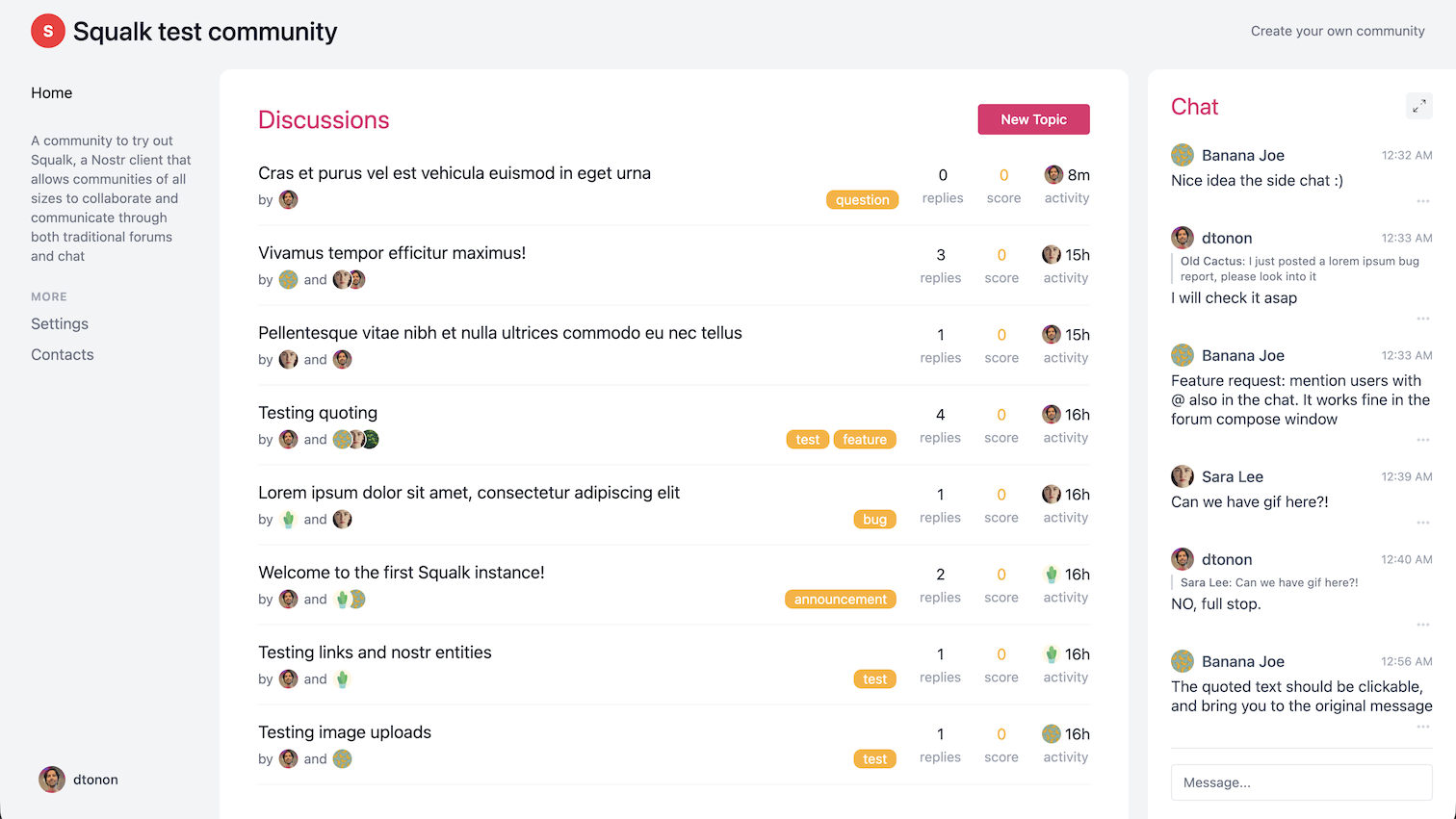
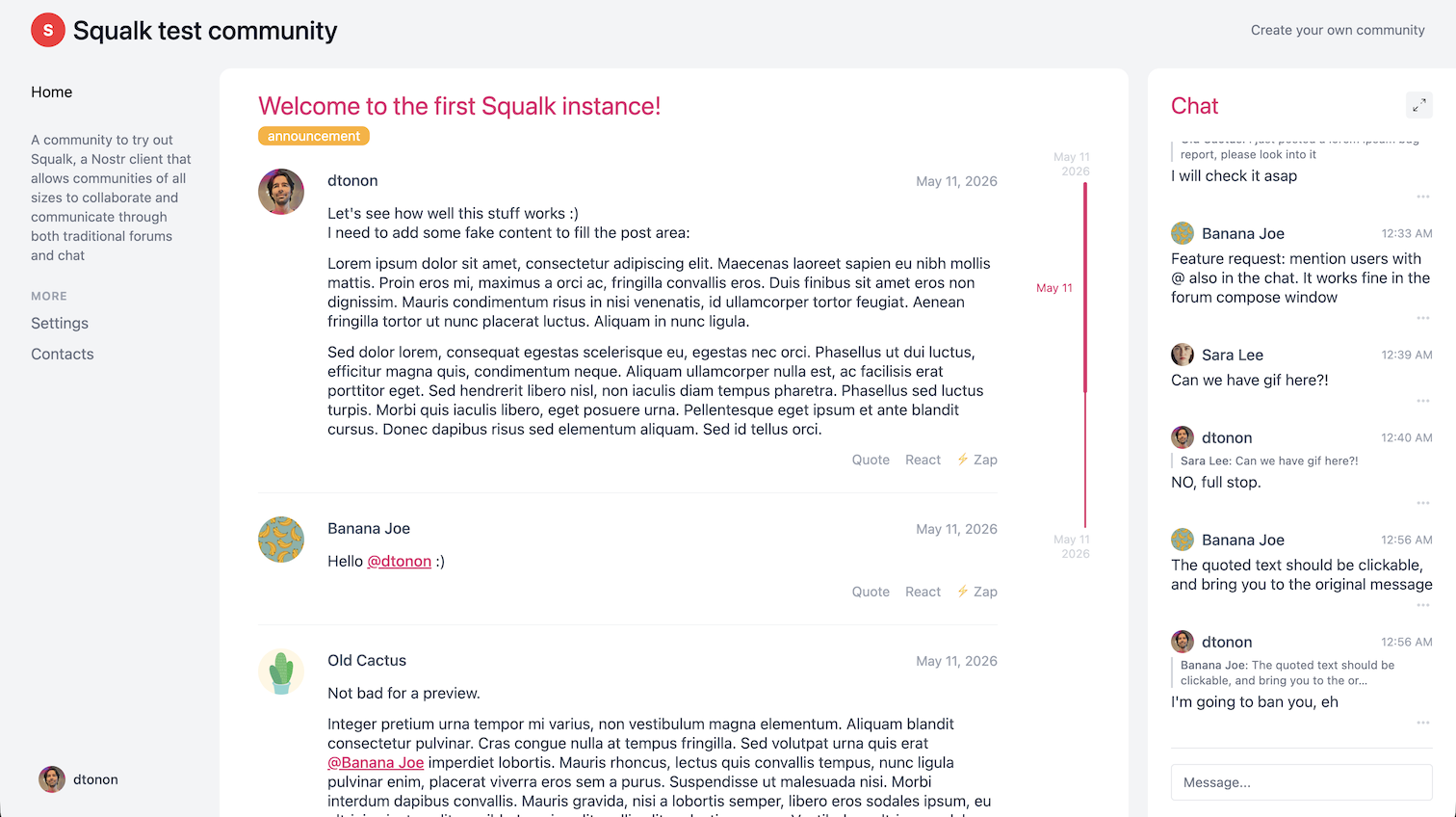
Squalk is a forum built on Nostr that permits to manage simple or large communities; in fact you can choose to setup it in "simple" or "full" mode. Simple mode expose a single forum, while in Full mode you can have as many forum as you like.
Each forum includes a chat feature in the right-hand sidebar, which is useful for quickly interacting with members.
Tech stack
Squalk is built on Nostr and implement NIP-29 and NIP-7D.
It needs a personal relay that supports NIP-29 to host the group(s) and a Blossom server for the uploads; Pyramid includes both and is the suggested solution.
Developing
Once you've created a project and installed dependencies with npm install (or pnpm install or yarn), start a development server:
npm run dev

# or start the server and open the app in a new browser tab
npm run dev -- --open
Building
To create a production version of your app:
npm run build
You can preview the production build with npm run preview.
To deploy your app, you may need to install an adapter for your target environment.